
Fast answer
The decision in one minute
Choose the Amazon Basics monitor for a compact 1080p desk and a straightforward high-refresh upgrade. Choose the Samsung Odyssey OLED G8 when 4K clarity, OLED contrast, 240Hz motion, and premium connectivity justify the larger screen and greater hardware demand.
Products at a glance
See the options first
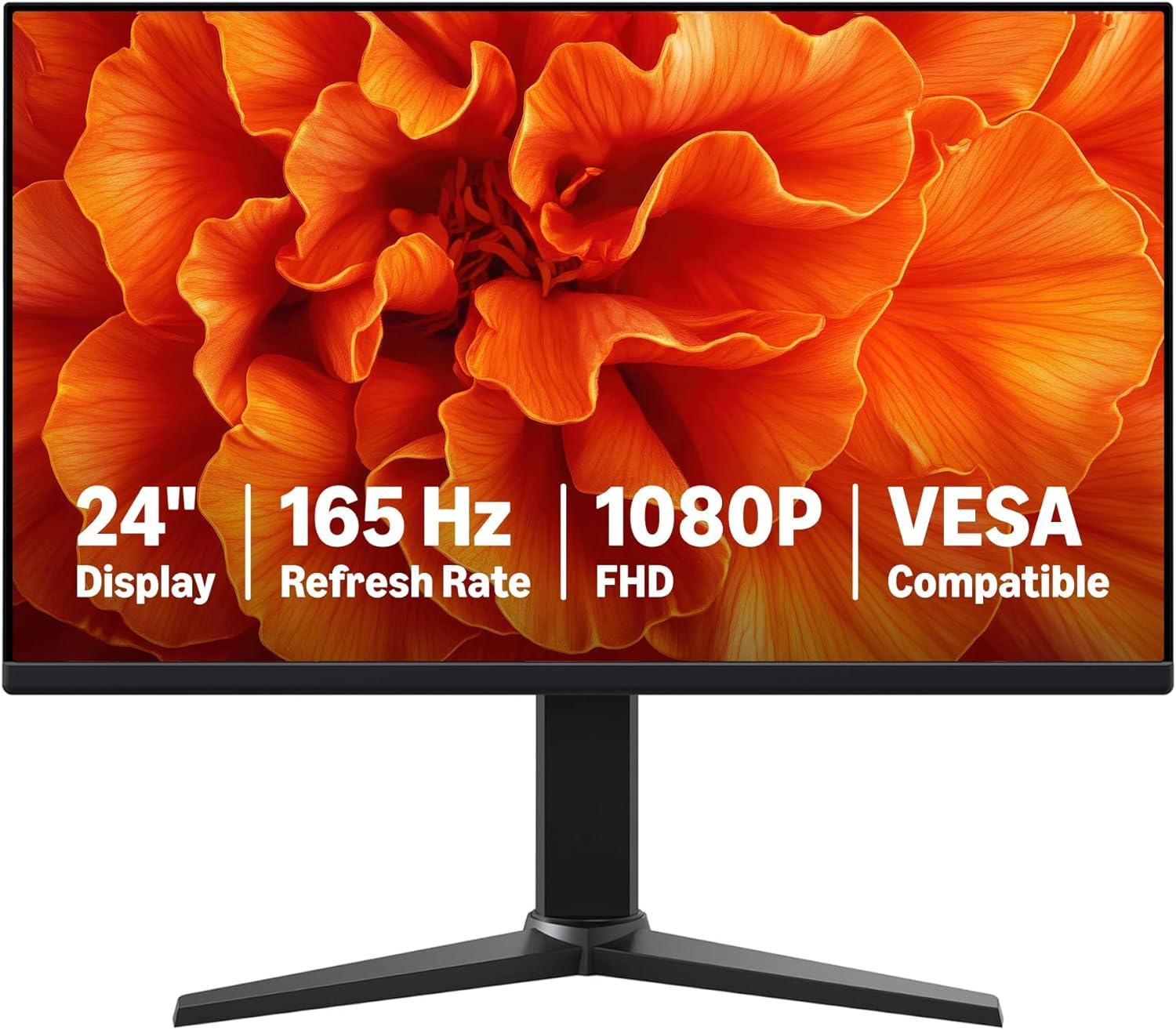 Paid link
Desk Gear
Amazon Basics 24-inch 165Hz Gaming Monitor
Best for: Students, casual PC gamers, and home-office users who want a compact high-refresh display
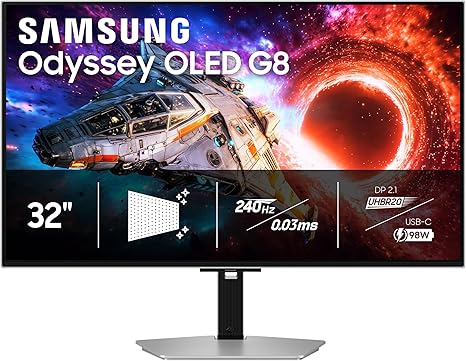 Paid link
Desk Gear
Samsung 32-inch Odyssey OLED G8 (G80SH)
Best for: Enthusiast PC and console gamers who can take advantage of a premium 4K high-refresh display
Side-by-side evidence
Compare the factors that change the choice
| Decision factor | Amazon Basics 24-inch | Samsung Odyssey OLED G8 |
|---|---|---|
| Panel and size | 23.8-inch IPS | 32-inch QD-OLED |
| Resolution | 1920 x 1080 | 3840 x 2160 |
| Refresh rate | Up to 165Hz | 240Hz |
| Best fit | Compact desks and practical 1080p gaming | Premium PC and console setups |
| Hardware demand | Moderate at 1080p | High for demanding 4K games |
| Ownership check | Ports, cable, and stand range | OLED care, warranty, ports, and device support |
Start with the computer, not the monitor badge
A 4K 240Hz display only becomes useful when the computer or console can output the resolution, refresh rate, and connection standard you intend to use. The Samsung creates far more visual headroom, but demanding games may require lower settings or upscaling even with capable hardware.
The Amazon Basics monitor is easier to match with modest gaming hardware. At 23.8 inches, 1080p remains a practical density for games and normal desk work, while 165Hz provides the most obvious upgrade over a basic 60Hz office display.
Desk size changes the answer
The 23.8-inch screen is easier to place on a narrow desk and keeps more of the display inside the central field of view. VESA compatibility also leaves an upgrade path to a monitor arm if the included stand is too limited.
The 32-inch Samsung works as a visual centerpiece and provides much more usable 4K space. Measure viewing distance and desk depth before choosing it; a premium panel does not solve a cramped layout.
OLED quality comes with an ownership tradeoff
QD-OLED contrast and fast pixel response are the Samsung's main advantages. They are especially valuable for games and media with dark scenes, motion, and HDR presentation.
Buyers who display static interfaces for long periods should understand the panel care features, warranty coverage, and burn-in considerations. The IPS monitor is less ambitious visually but avoids making OLED care part of the purchase decision.
Bottom line
The Amazon Basics model is the rational compact upgrade. The Samsung is the experience-first choice for buyers with the hardware, desk space, and usage pattern to justify it.
How this guide was built
This comparison uses the exact models and specifications listed in the linked Libertas reviews. It is research-based editorial analysis, not a claim of hands-on testing.
Editorial policy →