
Fast answer
The decision in one minute
Pair the Codex Z2 with the compact 165Hz monitor for a practical 1080p setup, or the Odyssey OLED G8 for a premium 4K target after confirming output support and expected game performance. Add the Basilisk V3 for right-handed control, and choose the Crusher Evo only when strong adjustable bass matters more than ANC.
Products at a glance
See the options first
 Paid link
Gaming
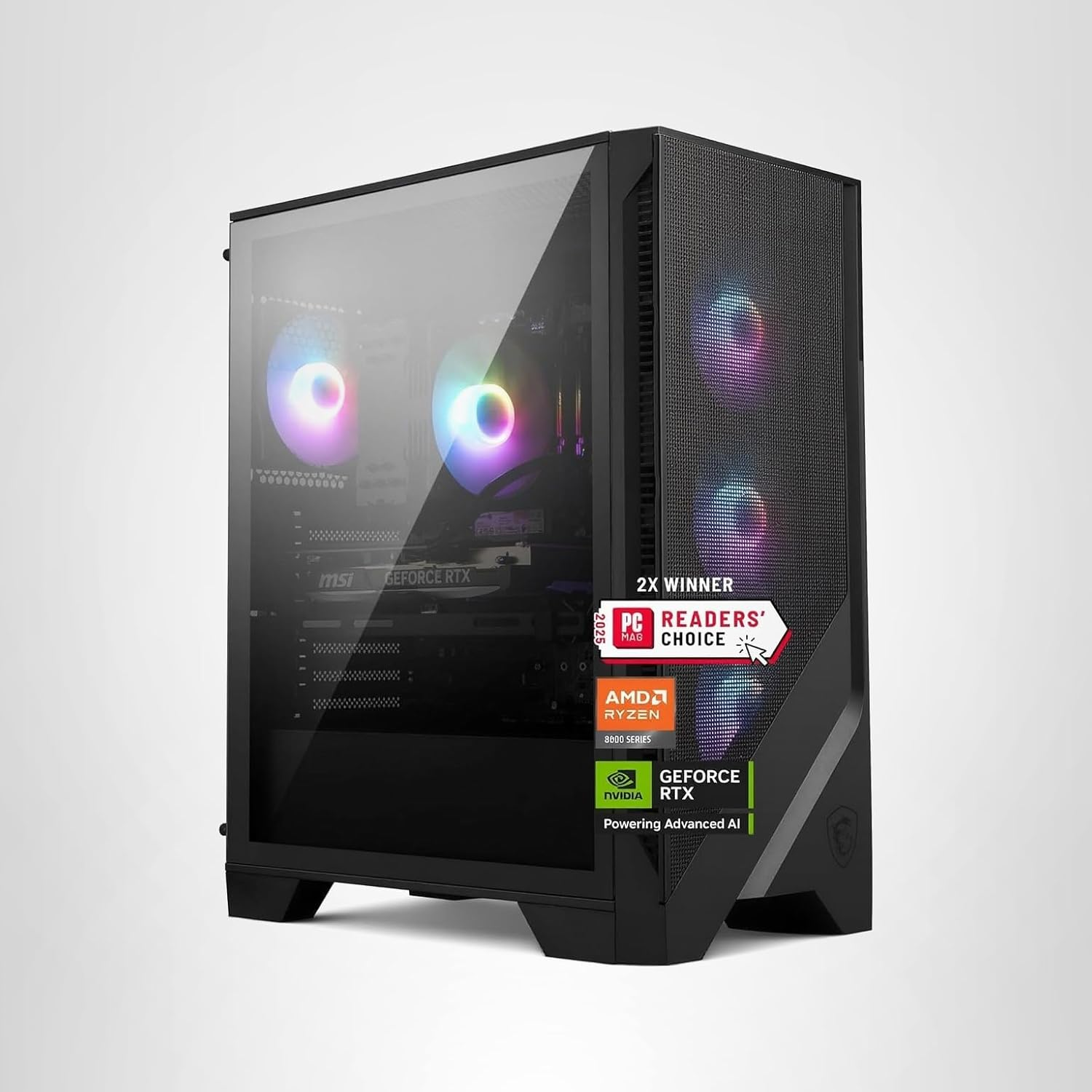
MSI Codex Z2 Gaming Desktop (A8NVP-436US)
Best for: PC gamers and creators who want a current prebuilt tower without selecting and assembling every component
 Paid link
Desk Gear
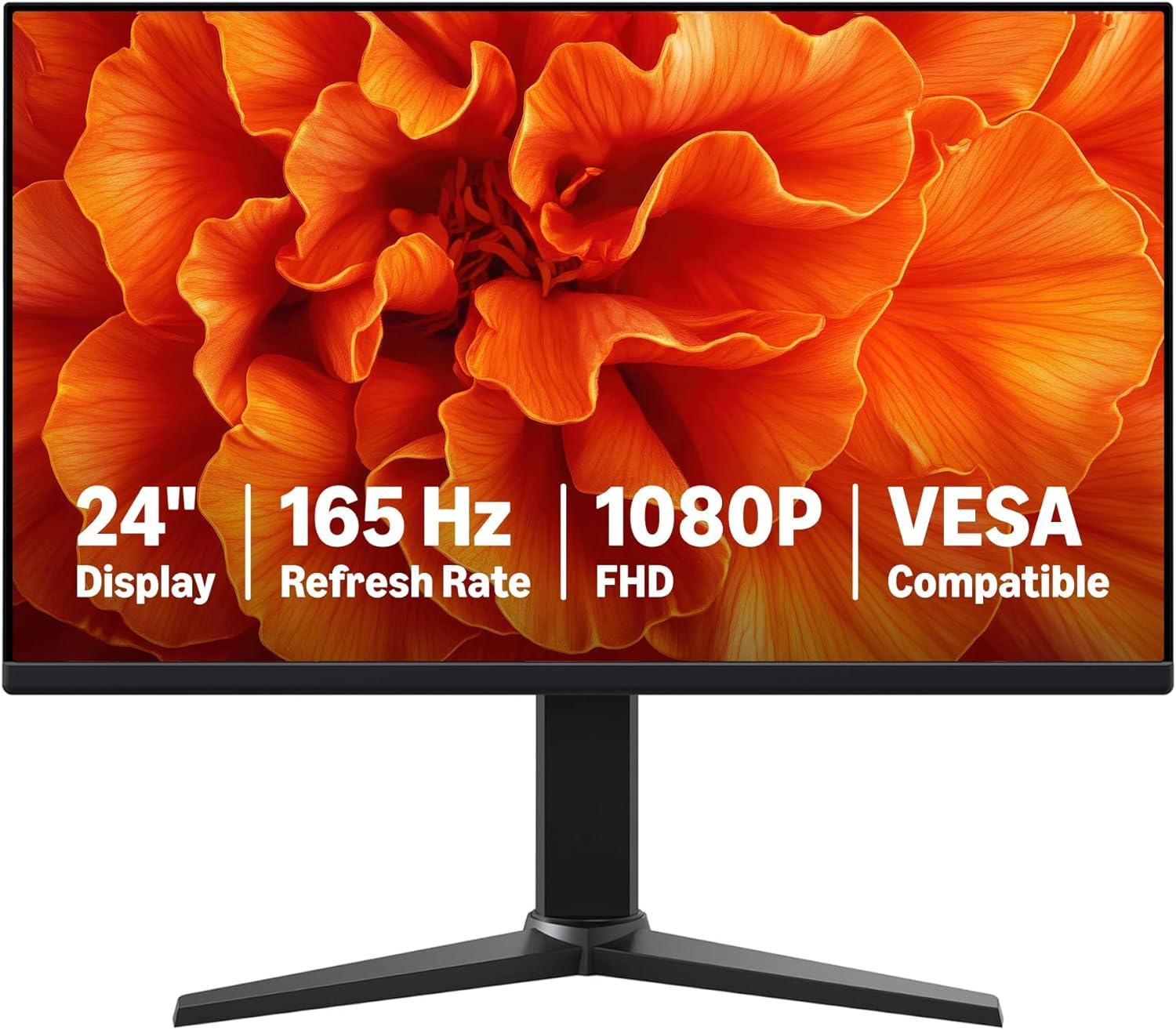
Amazon Basics 24-inch 165Hz Gaming Monitor
Best for: Students, casual PC gamers, and home-office users who want a compact high-refresh display
 Paid link
Desk Gear
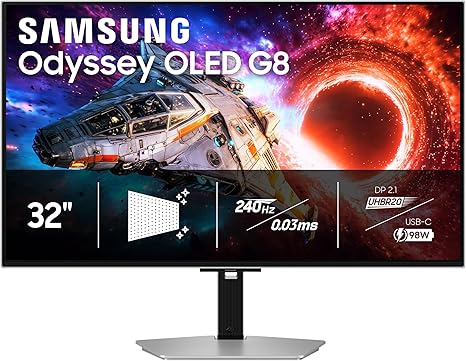
Samsung 32-inch Odyssey OLED G8 (G80SH)
Best for: Enthusiast PC and console gamers who can take advantage of a premium 4K high-refresh display
 Paid link
Gaming
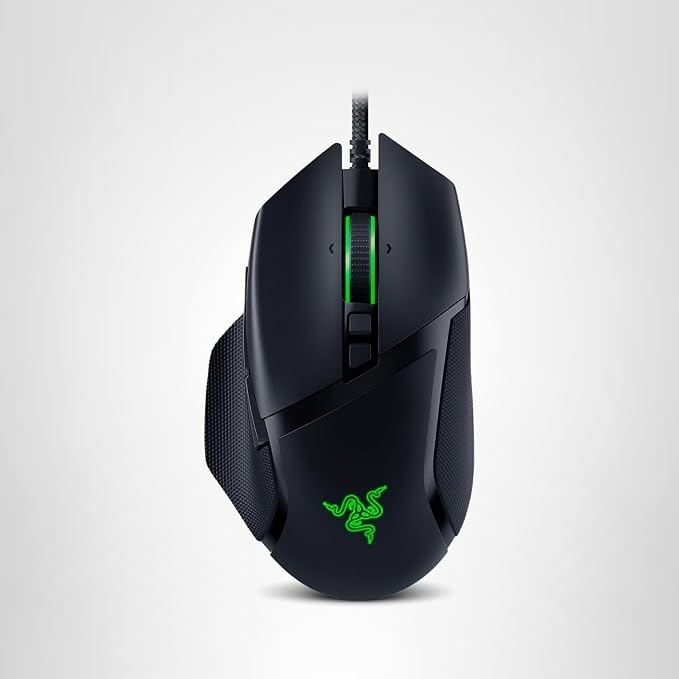
Razer Basilisk V3 Gaming Mouse
Best for: Right-handed gamers and productivity users who want a thumb rest, extra controls, and a versatile scroll wheel
 Paid link
Audio
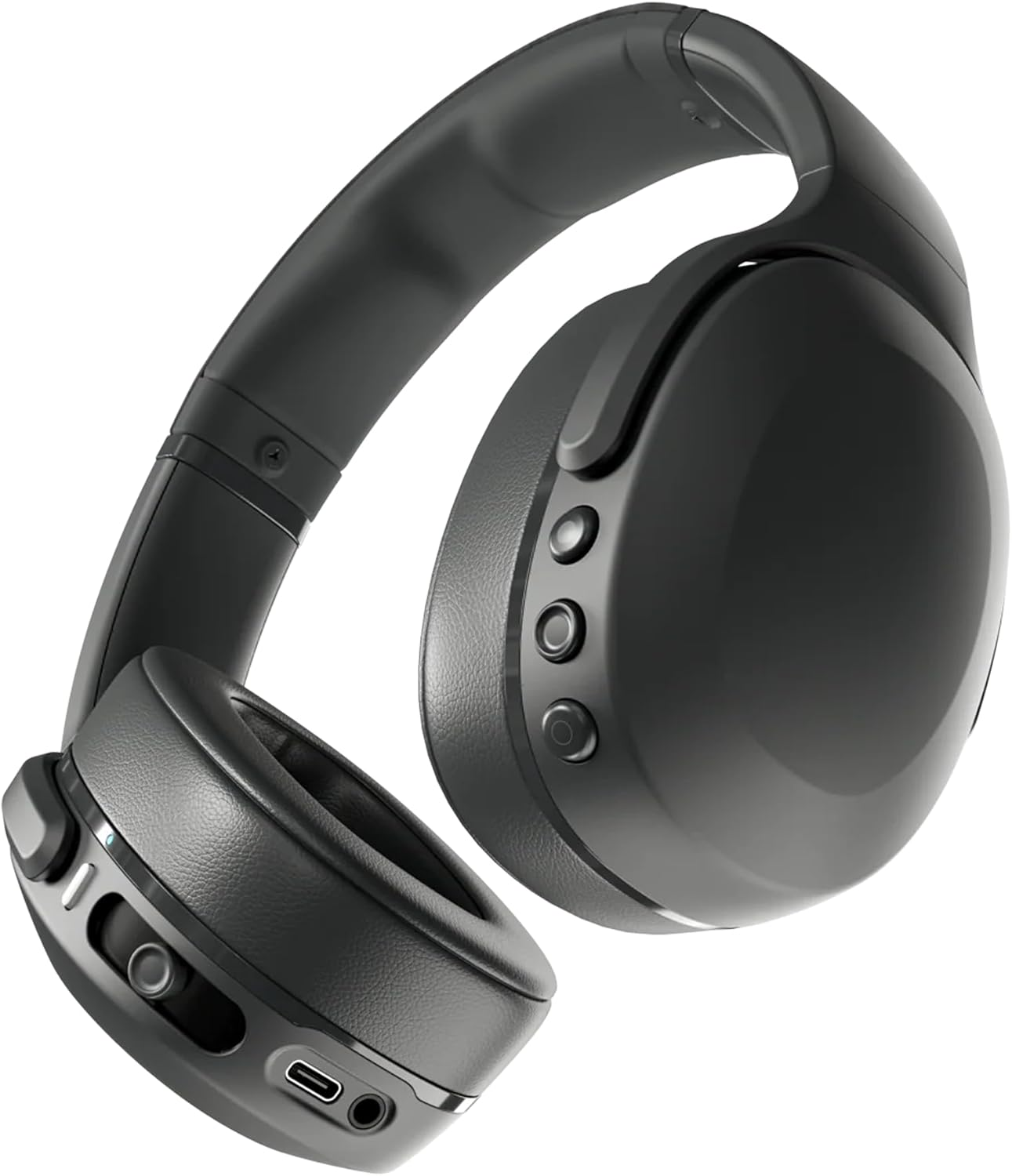
Skullcandy Crusher Evo Wireless Headphones
Best for: Listeners who actively want adjustable, physical bass impact and long wireless battery life
Side-by-side evidence
Compare the factors that change the choice
| Component | Current shortlist | What decides the fit |
|---|---|---|
| Desktop | MSI Codex Z2 A8NVP-436US | Confirm the exact GPU, power supply, cooling, ports, warranty, and upgrade path |
| Compact monitor | Amazon Basics 23.8-inch 1080p 165Hz | Best when desk space and consistent high-refresh 1080p matter |
| Premium monitor | Samsung 32-inch 4K 240Hz QD-OLED | Best when 4K image quality and OLED contrast justify higher hardware demand |
| Mouse | Razer Basilisk V3 | Right-handed shape, wired connection, weight, and need for 11 programmable controls |
| Headphones | Skullcandy Crusher Evo | Adjustable bass and long battery life versus the lack of active noise cancellation |
Choose the display target before tuning the rest of the setup
The monitor determines the resolution and refresh-rate workload the desktop must feed. A 1080p 165Hz target prioritizes consistent frame rates and a compact footprint. A 4K 240Hz OLED target prioritizes display quality and future headroom, but actual frame rates will vary by game, settings, and upscaling support.
Confirm the exact video outputs on the purchased Codex configuration and the cable required by the selected monitor. A high refresh-rate specification is not useful when the connection path cannot carry it.
The mouse is a fit decision, not a sensor-number contest
The Basilisk V3 makes sense for a right-handed user who wants a thumb rest, multiple programmable buttons, and flexible scrolling. It is less suitable for buyers seeking a wireless or ultralight competitive mouse.
Hand size and grip style matter more than the maximum DPI number. Treat the listed sensor as capability, then decide based on shape, cable preference, weight, and the controls you will actually map.
The headphones have a deliberately specific sound profile
Crusher Evo is not a neutral all-purpose recommendation. Its reason to exist is adjustable sensory bass, supported by a listed battery life of up to 40 hours. That can suit games, music, and travel when physical bass impact is the priority.
Skip it when active noise cancellation, water resistance, or a balanced studio-style sound is required. Also confirm whether you plan to use Bluetooth or a wired connection for the games and voice applications in your setup.
Final setup checklist
Match the exact desktop configuration and warranty first. Then verify monitor ports and cables, measure the desk, check mouse ergonomics, and decide whether the headphone sound profile matches the way you listen. This order prevents accessory specifications from distracting from compatibility.
How this guide was built
This comparison uses the exact models and specifications listed in the linked Libertas reviews. It is research-based editorial analysis, not a claim of hands-on testing.
Editorial policy →